
 EN



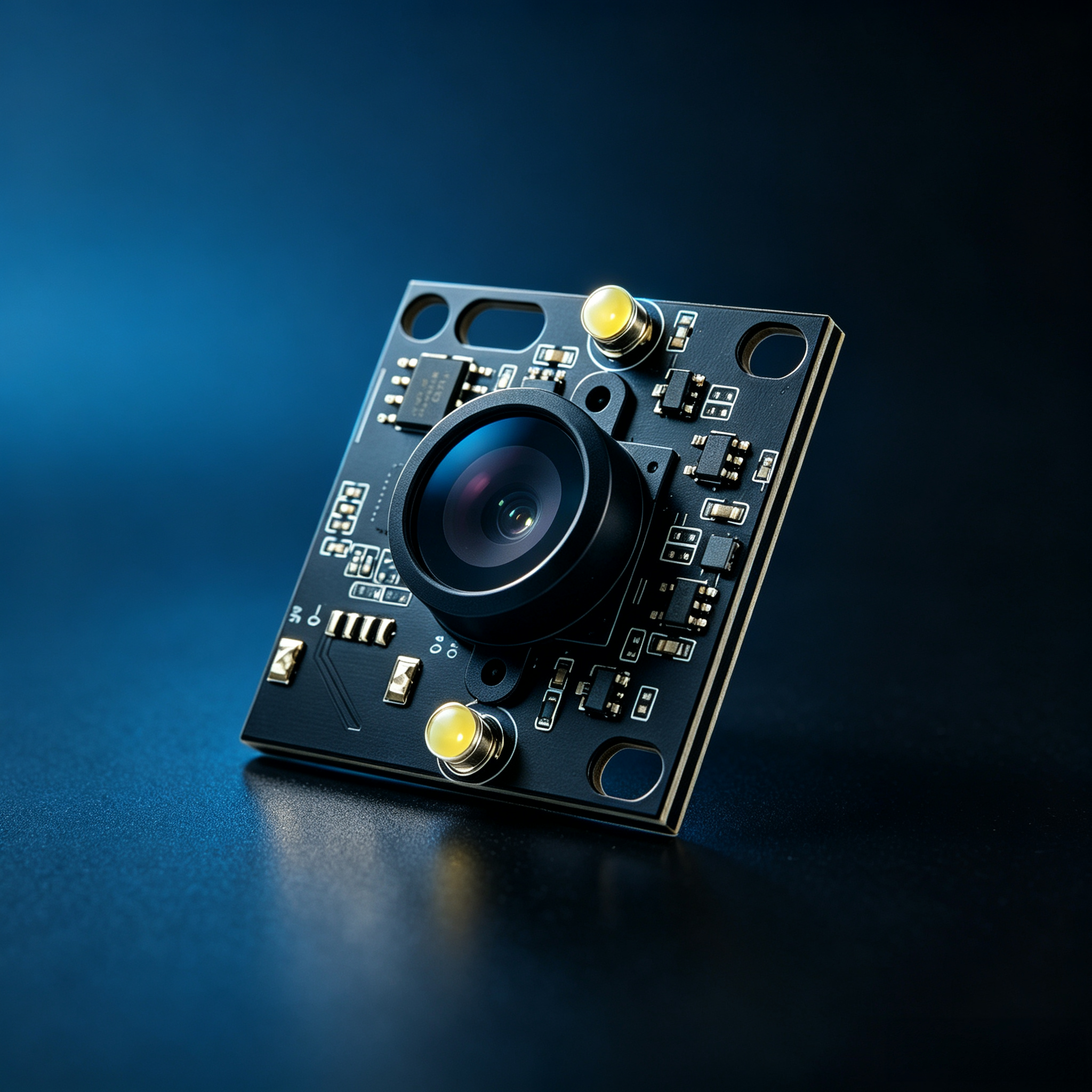
Selecting the right usb camera module is critical for achieving reliable performance in machine vision applications. Whether you're building an automated inspection system, quality control setup, or intelligent surveillance platform, the choice of imaging hardware directly impacts system accuracy, speed, and cost-effectiveness. A usb camera module serves as the optical and electronic foundation of your vision system, capturing raw visual data that gets processed into actionable intelligence. Understanding the key selection criteria ensures your investment aligns with both current requirements and future scalability needs.
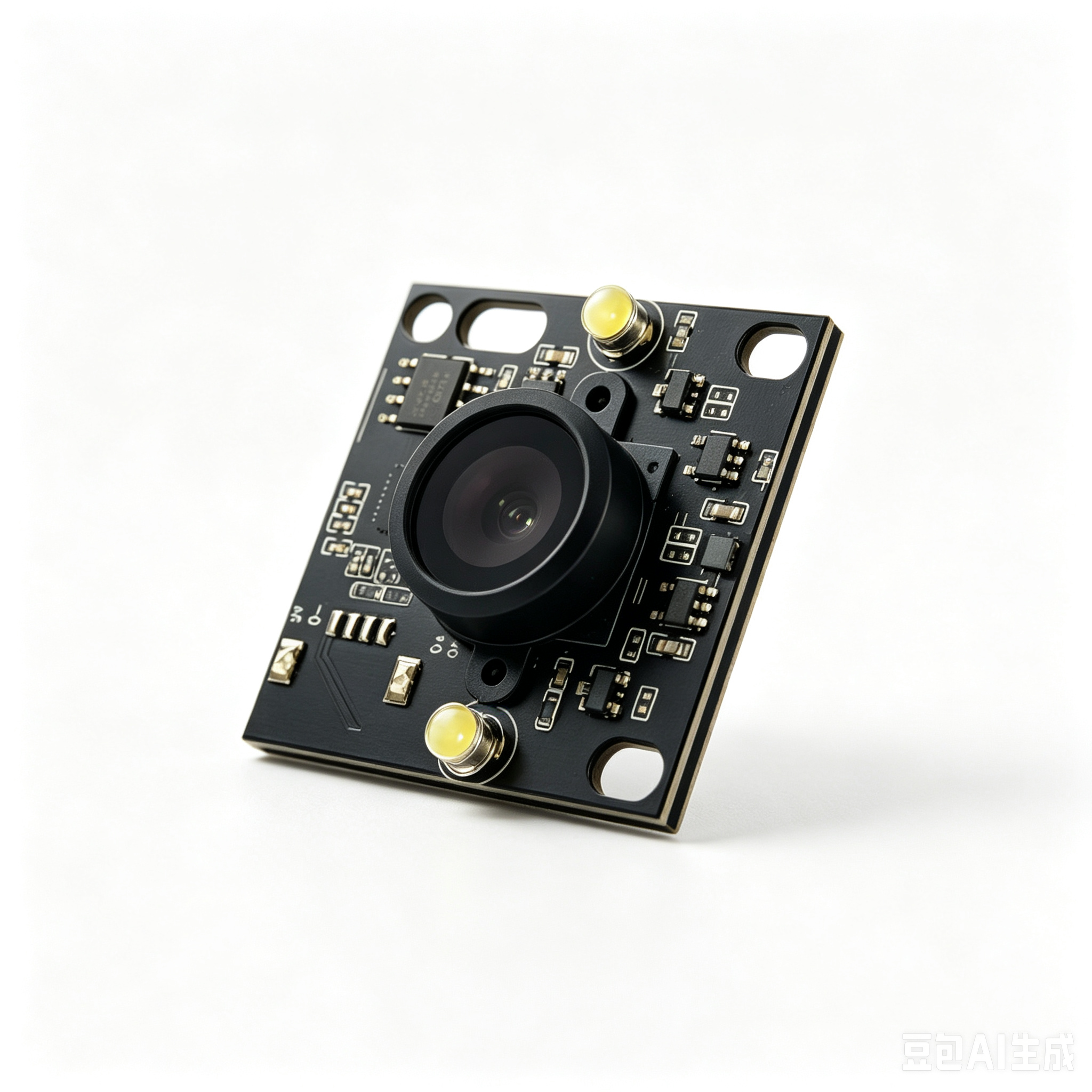
Machine vision projects span diverse industries and use cases, each with unique technical demands. A usb camera module designed for high-speed defect detection differs significantly from one optimized for low-light surveillance or 3D measurement. By evaluating resolution, sensor technology, lens characteristics, interface stability, and software integration capabilities, you can narrow down options systematically. This guide walks through the essential decision factors that industrial engineers, system integrators, and product developers should evaluate when selecting a usb camera module for their specific machine vision challenge.
Understanding Core Specifications and Sensor Technology
Resolution and Image Quality Requirements
Resolution represents the pixel density your usb camera module delivers and directly affects the level of detail you can capture and analyze. Higher resolution sensors capture finer details, enabling detection of smaller defects, precise measurements, and improved classification accuracy. However, higher resolution also increases data throughput, processing demands, and system latency. For many industrial inspection tasks, 1080p or 2K resolution provides the optimal balance between detail capture and processing speed. For applications requiring measurement precision or microscopic defect detection, 4K or higher resolution becomes necessary despite increased computational burden. Evaluate your specific detection requirements before defaulting to maximum resolution, as overspecs increase cost without delivering proportional performance gains.
Sensor Type and Light Sensitivity
The underlying sensor technology in your usb camera module determines how well it performs across different lighting conditions. CMOS sensors dominate modern designs due to lower power consumption, faster readout speeds, and integrated processing capabilities. CCD sensors, while less common now, offer superior image uniformity and light sensitivity in specialized applications. Global shutter sensors capture the entire frame simultaneously, eliminating rolling distortion in fast-moving scenes, while rolling shutter designs process pixels line-by-line, offering cost savings for stationary subject applications. Monochrome usb camera module sensors deliver higher light sensitivity than color variants because they don't filter wavelengths. Consider your environment's lighting consistency and subject motion characteristics when choosing between these technology options.
Optical and Mechanical Considerations
Lens Selection and Field of View
The lens integrated with your usb camera module determines the field of view, working distance, and depth of field characteristics. Fixed-focus lenses simplify integration and reduce cost but sacrifice flexibility in focus adjustment. Adjustable-focus designs allow field tuning but require mechanical calibration and periodic refocusing. Wide-angle lenses capture larger areas, useful for general-purpose monitoring, while telephoto configurations narrow the field of view for detailed inspection of distant objects. Your application's physical constraints—mounting space, subject distance, and viewing angle—dictate which lens type aligns with practical requirements. Test field of view and depth of field specifications against your actual mounting geometry to confirm viability before deployment.
Build Quality and Environmental Resistance
Industrial environments often involve temperature fluctuations, moisture, dust, vibration, and mechanical stress. A robust usb camera module incorporates quality materials, sealed optical paths, and vibration-resistant mounting design. Stainless steel housings resist corrosion better than standard aluminum in chemical-heavy environments. IP-rated enclosures indicate dust and water resistance levels—IP67 ratings withstand temporary submersion, while lower IP54 ratings handle dust and splash exposure. Thermal stability matters in applications experiencing wide temperature ranges; premium modules include thermal management to maintain consistent image quality as conditions vary. Environmental resilience prevents premature degradation and costly system downtime, justifying investment in industrial-grade components.
Interface, Integration, and System Compatibility
USB Connectivity and Bandwidth
USB interface standards—particularly USB 3.0 and USB 3.1—provide sufficient bandwidth for high-resolution video streams. USB 3.0 delivers up to 400 megabytes per second, adequate for most HD and 4K applications at reasonable frame rates. USB 2.0, limited to 480 megabytes per second theoretical throughput but constrained by practical bandwidth sharing, suits lower-resolution or reduced frame-rate applications. When selecting your usb camera module, confirm that USB version matches your host system capabilities and meets your required frame rate at target resolution. Cable length limitations also matter; USB 3.0 active extension cables extend range beyond standard specifications but introduce cost and complexity. Test actual bandwidth utilization under production conditions rather than relying solely on theoretical maximum ratings.
Driver Support and Software Integration
Seamless integration depends on driver availability, SDK support, and compatibility with your vision processing framework. Industrial-grade usb camera module suppliers provide drivers for Windows, Linux, and sometimes specialized real-time operating systems. SDK completeness determines whether you can access advanced features programmatically—trigger modes, exposure control, white balance adjustment, and frame synchronization. Open standards like GenICam and GigE Vision enable interoperability across different camera models and vendors, reducing vendor lock-in risk. Before purchasing, confirm driver maturity, update frequency, and technical support responsiveness. Legacy systems sometimes struggle with newer camera models due to compatibility gaps; testing integration early prevents expensive redesigns during deployment phases.
Frequently Asked Questions
What resolution should I choose for industrial defect detection?
Resolution selection depends on the smallest defect size you must reliably detect. As a rule, each pixel should subtend roughly five to ten times smaller than your minimum defect dimension for robust detection. For surface scratches below 0.5mm, 4K resolution with appropriate optics becomes necessary. For larger defects or label reading applications, 1080p often suffices. Start by defining your minimum detection size, then calculate required pixel density, and select a usb camera module accordingly. Over-specifying resolution beyond your actual need wastes processing resources and increases system cost without performance benefit.
Can a single USB camera module handle multiple machine vision tasks simultaneously?
A single usb camera module cannot physically capture multiple scenes simultaneously, but software can analyze sequential frames for multiple tasks within processing budget. However, dedicated cameras optimized for specific tasks typically outperform multi-purpose compromises. Machine vision systems handling diverse requirements—simultaneous color and thermal analysis, for example—often employ multiple specialized camera modules rather than forcing one camera to satisfy conflicting demands. Evaluate whether multi-task requirements genuinely demand single-module solutions or benefit from purpose-built camera configurations instead.
How does frame rate impact machine vision system performance?
Frame rate determines how frequently your usb camera module captures images and directly affects detection capability for moving subjects. Faster frame rates enable smoother tracking and better detection of rapid events but increase data throughput and processing load. Stationary inspection applications thrive with lower frame rates—5 to 15 fps—while high-speed conveyor systems require 30 to 120 fps. Match frame rate to your subject motion speed and processing capacity. Exceeding necessary frame rates unnecessarily strains bandwidth and computation; underspecifying frame rate causes missed events or motion blur that degrades detection accuracy.