
 EN



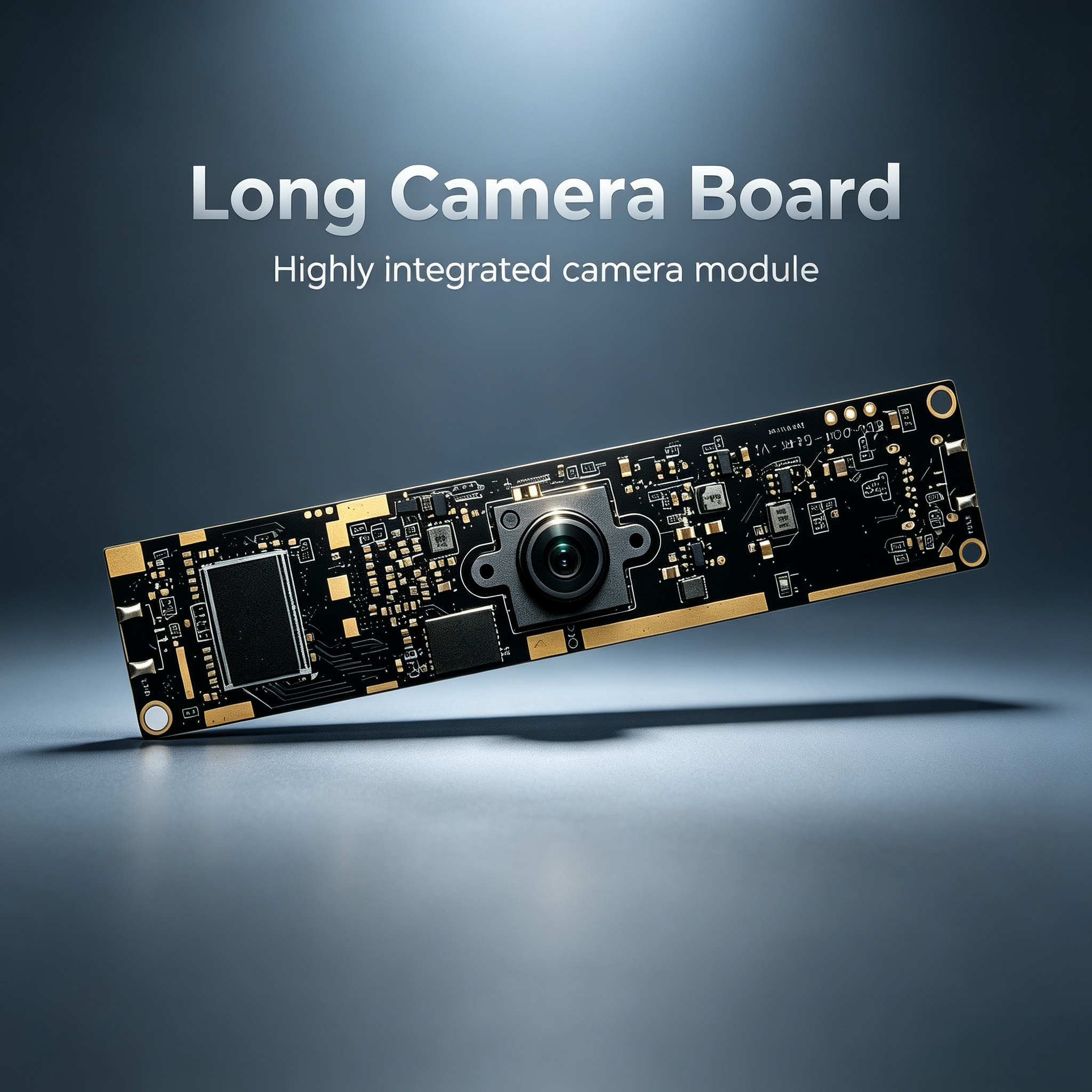
Integrating a usb camera module into industrial vision systems requires careful planning, proper hardware selection, and thoughtful software configuration. Modern manufacturing environments, quality control operations, and automated inspection systems depend increasingly on reliable imaging solutions that can deliver consistent performance under demanding conditions. Whether you are implementing real-time defect detection, dimensional verification, or autonomous robotic guidance, understanding how to properly integrate imaging hardware is essential to achieving reliable results. This guide walks you through the essential considerations, technical requirements, and implementation strategies that enable successful USB camera module deployment in industrial applications.
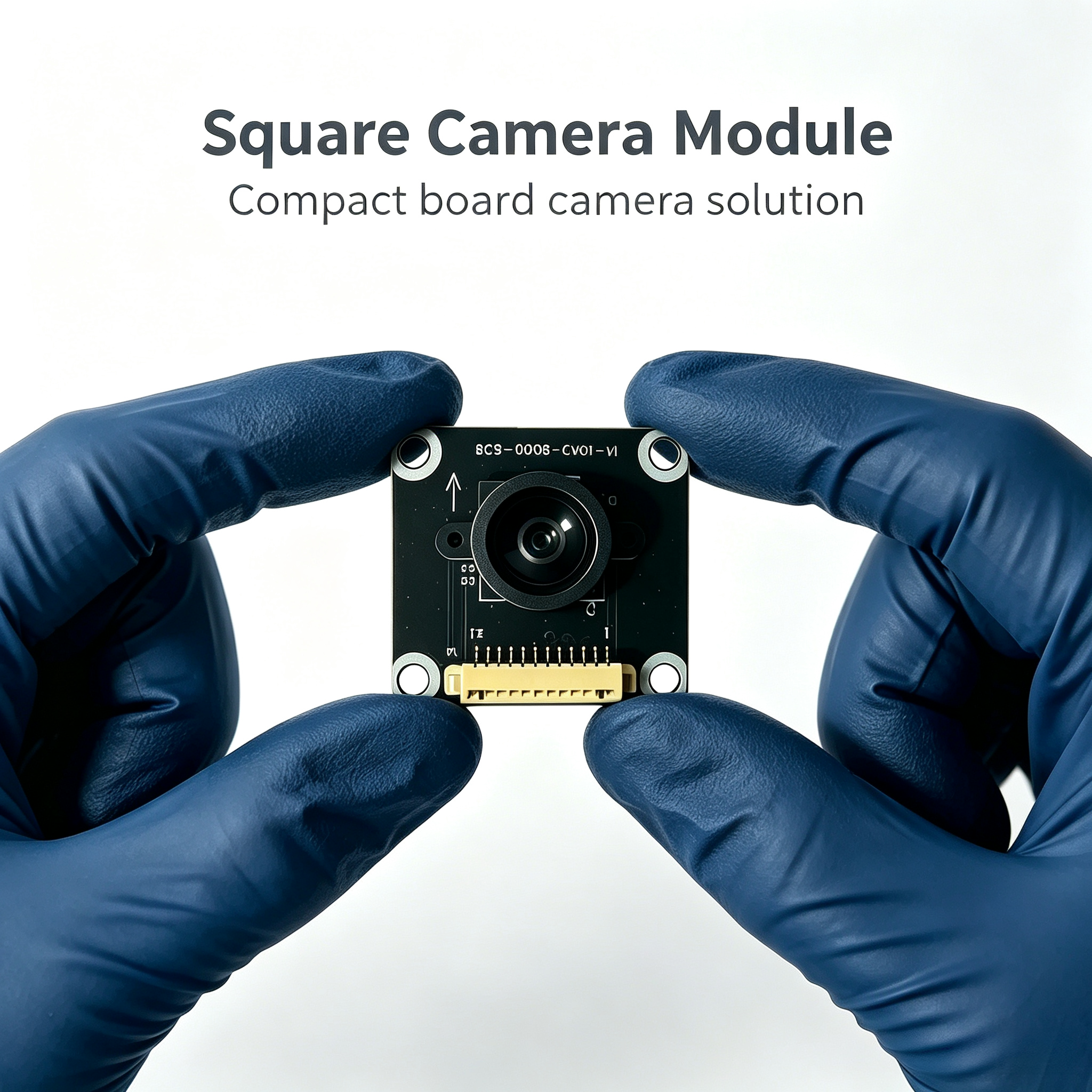
Industrial vision systems face unique challenges compared to consumer imaging applications. Environmental factors including vibration, temperature fluctuations, dust, and electromagnetic interference can compromise camera performance. The USB camera module must be selected not only for image quality but also for robustness, compatibility with your existing infrastructure, and scalability as production demands evolve. Proper integration ensures that your vision system operates reliably over extended periods while maintaining the image quality necessary for accurate decision-making in automated processes.
Understanding USB Camera Module Specifications and Selection
Key Performance Metrics for Industrial Applications
When evaluating a usb camera module for industrial deployment, several technical parameters directly impact system performance and reliability. Resolution determines the level of detail your system can capture; higher resolution enables detection of smaller defects and finer dimensional tolerances. Frame rate affects whether your system can keep pace with production line speeds or dynamic processes. Sensor type, whether CMOS or CCD, influences light sensitivity, noise characteristics, and dynamic range. Your industrial vision application may require high-speed imaging to capture rapidly changing conditions or ultra-sensitive detection under dim lighting. The USB camera module you select must deliver consistent performance across the intended operating temperature range and withstand the humidity levels present in your facility.
Compatibility and Interface Requirements
Industrial integration demands careful attention to interface standards and system compatibility. USB 3.0 and USB 3.1 camera modules offer significantly higher bandwidth than USB 2.0, enabling real-time transmission of high-resolution video streams without bottlenecks. Verify that your host system, whether an industrial PC, embedded controller, or edge computing device, supports the USB generation and power delivery specifications of your chosen camera module. Some industrial environments require IP-rated enclosures and specialized cabling to protect imaging hardware from harsh conditions. The usb camera module must integrate smoothly with your existing vision software framework, driver ecosystem, and system architecture to minimize development time and reduce integration complexity.
Hardware Integration and System Architecture
Mechanical Mounting and Environmental Sealing
Proper mechanical integration of your usb camera module directly affects image stability and system longevity. Industrial mounting requires rigid fixturing that minimizes vibration transmission from machinery to the imaging sensor. Vibration causes image blur, focus drift, and inconsistent detection results that degrade system accuracy. Environmental sealing protects camera electronics from dust, moisture, and chemical vapors common in manufacturing facilities. Consider whether your application requires an IP67-rated enclosure, heated lens assembly for temperature control, or specialized cooling solutions for high-speed continuous operation. Optical alignment is critical; precise positioning of the lens relative to the target ensures consistent focus and eliminates parallax errors that can skew measurement results or detection confidence.
Power Distribution and Signal Integrity
Industrial systems often operate cameras over extended cable runs through electrically noisy environments filled with motors, welders, and high-frequency switching equipment. Adequate power delivery to your usb camera module prevents voltage droop that causes image artifacts, sensor malfunction, or intermittent connection loss. Use shielded USB cables rated for industrial applications and maintain proper grounding to reduce electromagnetic interference susceptibility. Powered USB hubs or dedicated power supplies may be necessary if your host system cannot deliver sufficient current directly to the camera module. Avoid daisy-chaining multiple high-power devices on a single USB port. Pre-deployment testing under actual facility conditions reveals potential power or signal integrity issues before they impact production reliability.
Software Integration and Firmware Configuration
Driver Installation and System Software Setup
Successfully deploying a usb camera module in an industrial vision system requires proper driver installation and software configuration on your host platform. Most camera modules provide standard UVC driver support, enabling direct integration with standard Linux, Windows, or real-time operating systems without proprietary software. Verify driver compatibility with your specific OS version and embedded platform. Install required libraries and frameworks such as OpenCV, GenICam, or manufacturer-specific SDKs that enable camera control and image acquisition. Configure resolution, frame rate, exposure settings, and image quality parameters to match your application requirements. Test connectivity and data flow under realistic conditions before deploying to production to identify conflicts or performance bottlenecks that require resolution.
Application Development and Real-Time Processing
The usb camera module serves as the front end of your industrial vision pipeline; optimizing downstream processing determines overall system performance. Implement efficient image capture loops that minimize latency and avoid frame drops during intensive processing. Industrial applications often require real-time decision-making, necessitating careful optimization of image processing algorithms and judicious use of multi-threading or GPU acceleration. Configure buffer management to handle variations in processing speed without losing frames or causing memory exhaustion. Monitor system performance metrics including CPU utilization, memory consumption, frame rate consistency, and latency to ensure your application meets production demands. Implement error handling and graceful degradation strategies that maintain safe system behavior if the camera module becomes unavailable or image quality degrades unexpectedly.
Deployment Best Practices and Performance Optimization
Environmental Adaptation and Thermal Management
Industrial facilities present environmental challenges that consumer imaging solutions rarely encounter. Temperature stability directly affects sensor calibration and image quality; extreme heat or cold can cause focus drift and color shift. Implement climate-controlled enclosures or heat sinks if your application operates in temperature-variable environments. Dust ingress damages lens optics and coats sensors, degrading image quality over months of operation. Use air curtains, protective windows, or sealed optical paths to protect your usb camera module from particulate contamination. Humidity and condensation corrode circuit board traces and degrade electrical connections; maintain proper desiccation and ventilation in camera enclosures. Establish routine maintenance schedules for lens cleaning, optical surface inspection, and performance verification to catch degradation early and prevent unexpected system failures.
Calibration, Testing, and Continuous Monitoring
Industrial vision systems demand rigorous calibration and ongoing performance verification to maintain accuracy and reliability. Perform optical and geometric calibration using known reference standards before deploying your usb camera module into production. Validate detection algorithms and measurement routines against ground-truth samples to establish baseline accuracy. Implement automated quality monitoring that flags image degradation, focus drift, or lighting changes that could compromise detection results. Schedule periodic recalibration, especially after facility maintenance, equipment relocation, or environmental changes. Collect detailed logs of system performance, error conditions, and corrective actions to support root cause analysis if problems emerge. Continuous monitoring enables early detection of sensor drift, mechanical misalignment, or environmental contamination before they impact production quality.
FAQ
What is the typical latency when using a usb camera module in industrial vision systems?
Latency depends on multiple factors including USB generation, image resolution, frame rate, and processing complexity. USB 3.0 typically delivers image data with latency under 50 milliseconds from capture to application delivery. Real-time processing latency varies based on algorithm complexity and available computing resources; industrial systems often achieve end-to-end latency under 100 milliseconds, sufficient for most assembly line speeds and quality control tasks.
Can a usb camera module operate reliably in high-temperature manufacturing environments?
Most industrial-grade usb camera modules operate reliably across 0 to 50 degrees Celsius. In higher-temperature environments, thermal management becomes critical; implement cooling solutions, sealed enclosures with air circulation, or relocate electronics to cooler locations. Some specialized cameras support extended temperature ranges to 70 degrees Celsius, though this increases cost significantly. Always verify operating specifications against your actual facility conditions before deployment.
How should I troubleshoot image quality issues after integrating a usb camera module?
Start by verifying lens cleanliness and optical focus accuracy. Check USB connection stability and power delivery to eliminate electrical issues. Review camera settings for exposure, white balance, and resolution mismatches. Inspect the imaging environment for unexpected lighting changes or reflections that degrade image contrast. Run manufacturer diagnostics or loopback tests to confirm the usb camera module functions correctly. Document baseline image samples for comparison if issues recur, enabling faster identification of root causes.